Maya Deposit on JD Unlimited: How to Fund Your Account Using Maya Wallet
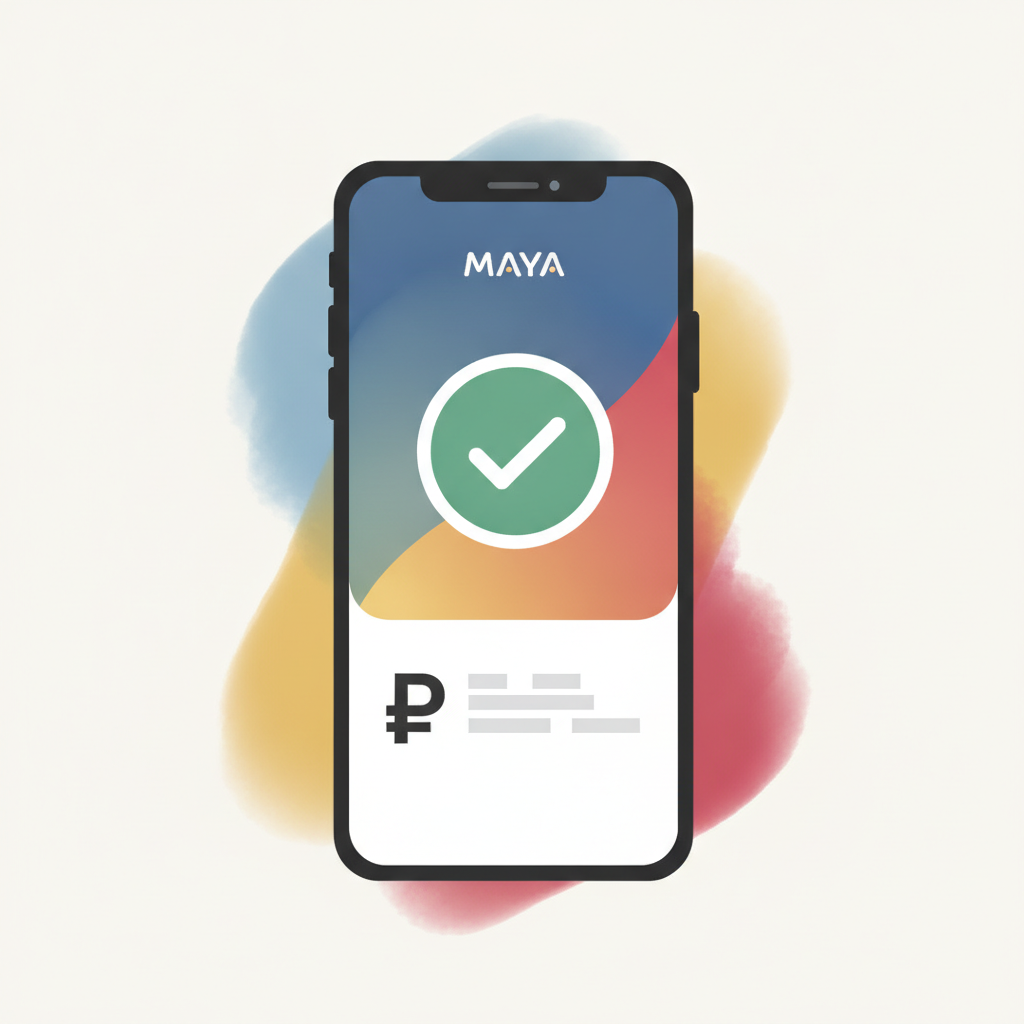
Maya is one of the most convenient ways to fund your JD Unlimited account if you're playing from the Philippines. This guide walks you through every step of making your first Maya deposit, from preparing your wallet to confirming the funds appear in your casino balance.
JD Unlimited accepts Maya alongside GCash and bank transfers, making it easy to deposit in pesos without needing a credit card. Most players deposit between PHP 100 and PHP 500 to start.
This guide is for players aged 21 and over only. Gambling should be for entertainment. Set a budget before you play and never deposit more than you can afford to lose.
Preparing Your Maya Wallet Before Depositing
Before you can send money from Maya to JD Unlimited, make sure your Maya account is set up and ready.
Verify your Maya account. JD Unlimited requires that deposits come from verified e-wallets. If your Maya account isn't verified yet, open the Maya app, go to your profile, and complete the identity verification process. You'll need to upload a valid government ID—driver's license, passport, or UMID—and take a selfie. Verification usually takes a few minutes to a few hours.
Load enough funds into Maya. Check your Maya wallet balance. If it's empty or low, add money through any of these methods:
- Bank transfer from your online banking app to your Maya account number
- Cash-in at 7-Eleven, Puregold, or other partner stores
- Remittance centers like Palawan Express or Cebuana Lhuillier
- Linked debit or credit card
Most JD Unlimited players deposit PHP 100 to PHP 500 for their first try, so load at least that amount plus a little extra to cover any service fees Maya might charge.
Keep your Maya PIN and login details handy. You'll need to approve the transaction inside the Maya app, so make sure you remember your PIN or biometric login.
Step-by-Step Maya Deposit Process on JD Unlimited
Once your Maya wallet is verified and loaded, follow these steps to deposit into your JD Unlimited casino account.
Step 1: Log in to your JD Unlimited account. Open the JD Unlimited website on your phone's browser or through the app if you have it installed. Tap the login button and enter your username and password. If you haven't registered yet, you'll need to complete the JD Unlimited register process first—create an account, verify your mobile number, and submit your ID for KYC (know-your-customer) verification.
Step 2: Go to the deposit or cashier section. Once you're logged in, look for the "Deposit," "Cashier," or "Add Funds" button. On mobile, this is usually at the top of the screen or in the main menu. Tap it to open the deposit page.
Step 3: Select Maya as your deposit method. JD Unlimited will show you a list of payment options: GCash, Maya, bank transfer (InstaPay or PESONet), and sometimes others. Tap on Maya or Maya Wallet.
Step 4: Enter your deposit amount in PHP. Type the amount you want to deposit. The minimum deposit on JD Unlimited is typically PHP 100, though this can vary depending on the payment method and any active promotions. Most first-time players deposit PHP 200 to PHP 500.
Double-check the amount before you continue. Once the transaction is approved, you usually can't cancel or reverse it immediately.
Step 5: Confirm and proceed. Tap the "Deposit" or "Continue" button. JD Unlimited will redirect you to Maya's payment gateway or generate a payment request.
Step 6: Approve the transaction in the Maya app. Depending on how JD Unlimited integrates with Maya, you may be redirected to the Maya app or Maya's web checkout. You'll see the deposit amount and the merchant name (it might appear as JD Unlimited or a payment processor name).
- Review the details
- Enter your Maya PIN or confirm with fingerprint or Face ID
- Tap "Pay" or "Confirm"
Step 7: Wait for confirmation. After you approve the payment in Maya, you'll be redirected back to the JD Unlimited site or app. Most Maya deposits are instant, so you should see a success message within a few seconds.
If the page doesn't redirect automatically, go back to the JD Unlimited app and check your balance or transaction history.
Minimum and Typical Deposit Amounts in PHP
JD Unlimited sets a minimum deposit of PHP 100 for most payment methods, including Maya. This low threshold makes it accessible for casual players who want to try a few spins on slots or place a small bet on PBA or NBA games.
Typical deposits among Filipino players range from PHP 200 to PHP 500. This amount is enough to play several rounds of live dealer blackjack, try a variety of slot games, or place multiple bets on volleyball or basketball matches.
There's usually no strict maximum deposit limit when using Maya, but your Maya wallet's own transaction limits apply. Standard Maya accounts can send up to PHP 100,000 per month, though daily limits may be lower. If you plan to deposit larger amounts regularly, check Maya's current limits in the app.
Keep in mind that JD Unlimited may adjust minimum or maximum deposit amounts based on promotions or payment-method policies. Always check the cashier page for the most current figures.
Deposit Confirmation and Checking Your Casino Balance
After you complete the Maya deposit, here's how to confirm the money arrived in your JD Unlimited account.
Look for an on-screen confirmation message. When the deposit succeeds, JD Unlimited will usually display a confirmation screen with the transaction ID, amount, and timestamp. Take a screenshot if you want a record.
Check your casino wallet or balance. Go to your account dashboard or wallet section inside JD Unlimited. Your new balance should reflect the deposit amount. For example, if you had PHP 50 left from a previous session and you just deposited PHP 300 via Maya, your balance should now show PHP 350.
Check your transaction history. JD Unlimited keeps a log of all deposits and bets. Go to "Transaction History," "Account History," or "Cashier History" (the label varies by site version). You should see a line item for your Maya deposit with the date, time, amount, and status marked as "Success" or "Completed."
Check your Maya transaction history. Open the Maya app and review your recent transactions. You'll see the payment sent to JD Unlimited or its payment processor. The amount debited from Maya should match the amount credited to JD Unlimited.
What if the deposit doesn't appear? If it's been more than five minutes and your JD Unlimited balance hasn't updated:
- Refresh the page or close and reopen the app
- Log out and log back in
- Check your Maya app to confirm the payment went through
- Contact JD Unlimited customer support with your transaction ID and screenshot from Maya
Most delays are resolved quickly, and deposits rarely go missing. Maya transactions are usually instant, so if Maya debited your wallet, the funds should appear in JD Unlimited within moments.
21+ Age Restriction and Responsible Gambling
JD Unlimited is strictly for players aged 21 and over. Online gambling is regulated by age in the Philippines, and underage gambling is illegal. JD Unlimited verifies your age during the registration and ID-check process.
Deposit only what you can afford to lose. Maya makes it easy to send money in seconds, but that convenience can lead to impulsive deposits. Before you fund your account, decide on a weekly or monthly budget for entertainment and stick to it.
Set deposit limits if available. Some players find it helpful to set a daily or weekly deposit cap in their JD Unlimited account settings. Check the responsible-gambling or account-limits section to see if this feature is offered.
Recognize the signs of problem gambling. If you find yourself depositing more than planned, chasing losses, or feeling anxious about your balance, take a break. JD Unlimited and many e-wallets offer self-exclusion or cooling-off options.
Where to get help: If gambling is affecting your finances or well-being, reach out to a support organization in the Philippines or internationally. Gambling should remain fun and recreational, never a way to make money or solve financial problems.
Ready to Deposit?
Funding your JD Unlimited account with Maya is fast, secure, and beginner-friendly. Verify your Maya wallet, load it with pesos, log in to JD Unlimited, select Maya as your payment method, and approve the transaction in the app. Most deposits arrive instantly, and you can start playing slots, live dealer games, or betting on PBA and NBA within minutes.
Remember: play responsibly, stick to your budget, and enjoy the entertainment. Good luck, and may your first deposit be the start of a fun and safe gaming experience.